Make the product photo change with the customer's choice
You upload an on-product image for each choice, so the customer sees the product in the color or style they chose.
- You have an option from Picks from a list with its choices, such as mug colors. See Option settings in Product Studio.
Steps
Path: Products > Open Product Studio > Options
- Click the option name in the list. Its settings open.
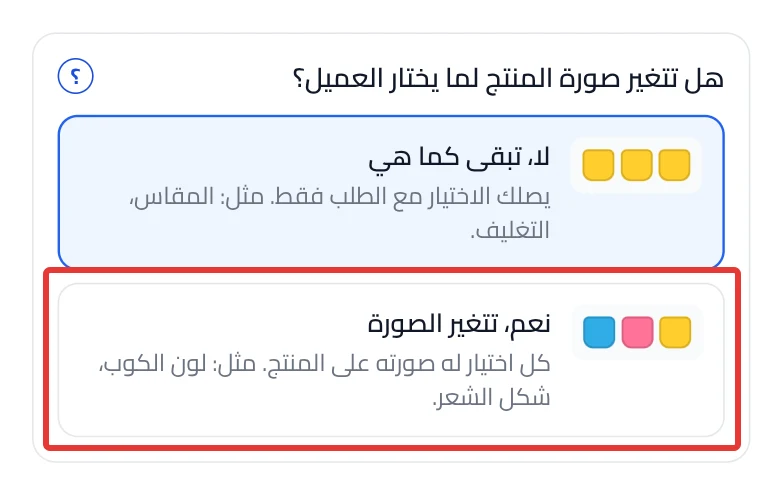
- Under "Does the product photo change when the customer picks?", choose Yes, the photo changes. A new option starts on No, it stays the same.
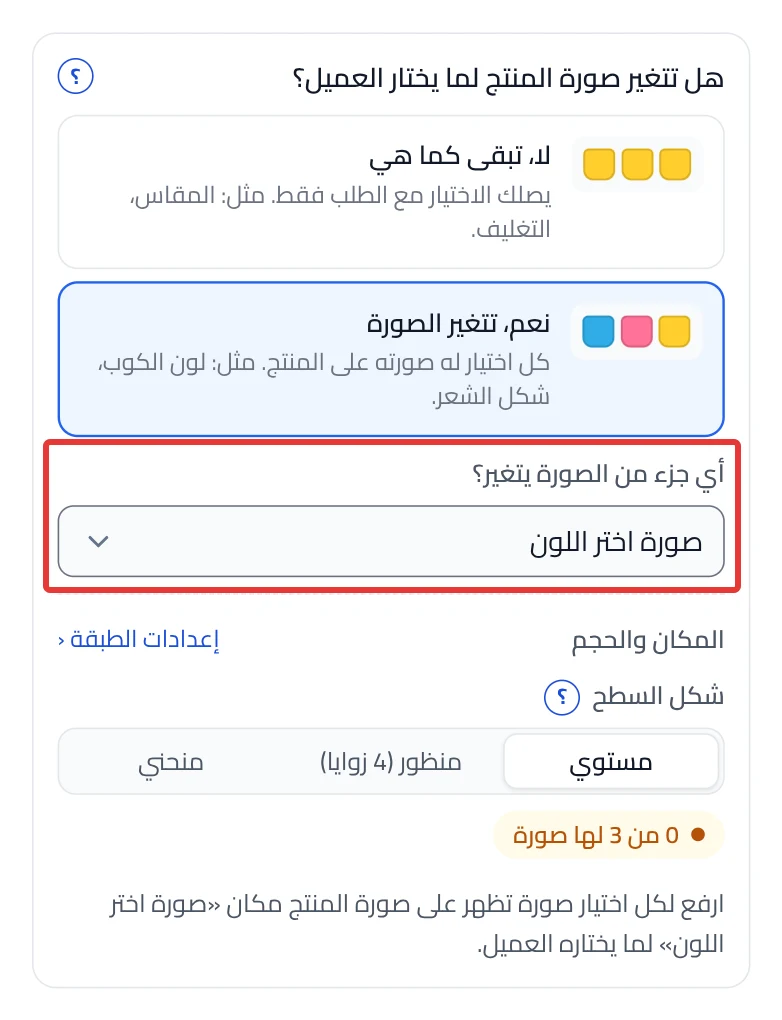
- Optional: if Which part of the photo changes? shows, choose the part whose image changes. If you do not choose, the option gets its own part on the photo.
-
Click Upload next to each choice, and upload its image as it shows on the product. A count of the ready ones shows, such as "2 of 3 have a picture".
-
Optional: if Use the choice images shows, click it. Product Studio uses the choice image on the product for the choices that do not have an on-product image yet.
-
Click Review & publish, then Publish now.
On a phone: the Review & publish button is at the bottom of the screen. Open the Preview tab to see the photo before you publish.
What your customers see
The customization goes live in your store within about a minute. The customer picks a choice, and its image shows on the product in place of the part you chose.
Good to know
- Upload an image for every choice, because the customer sees the image of the choice they pick. Check that the count covers all the choices.
- If you go back to No, it stays the same, Product Studio asks you first, then hides the images without deleting them, because you may need them again. They come back if you choose Yes, the photo changes.
- Your edits are saved as a draft. Nothing changes in your store until you click Publish now.
Not showing?
- If a notice says the product photo won't change, click Turn on interactive preview. Without it, the photo does not change in the Studio or in the store.
- What each setting means: Picture and spot settings in an option.
- The customization widget does not show on the product page
Next
Did this article answer your question?